Selah
A downloadable tool for macOS
Selah is a minimalist writing app for macOS that keeps a full Bible reader one keystroke away - one quiet sheet, a reader beside it, and a study loop between them.
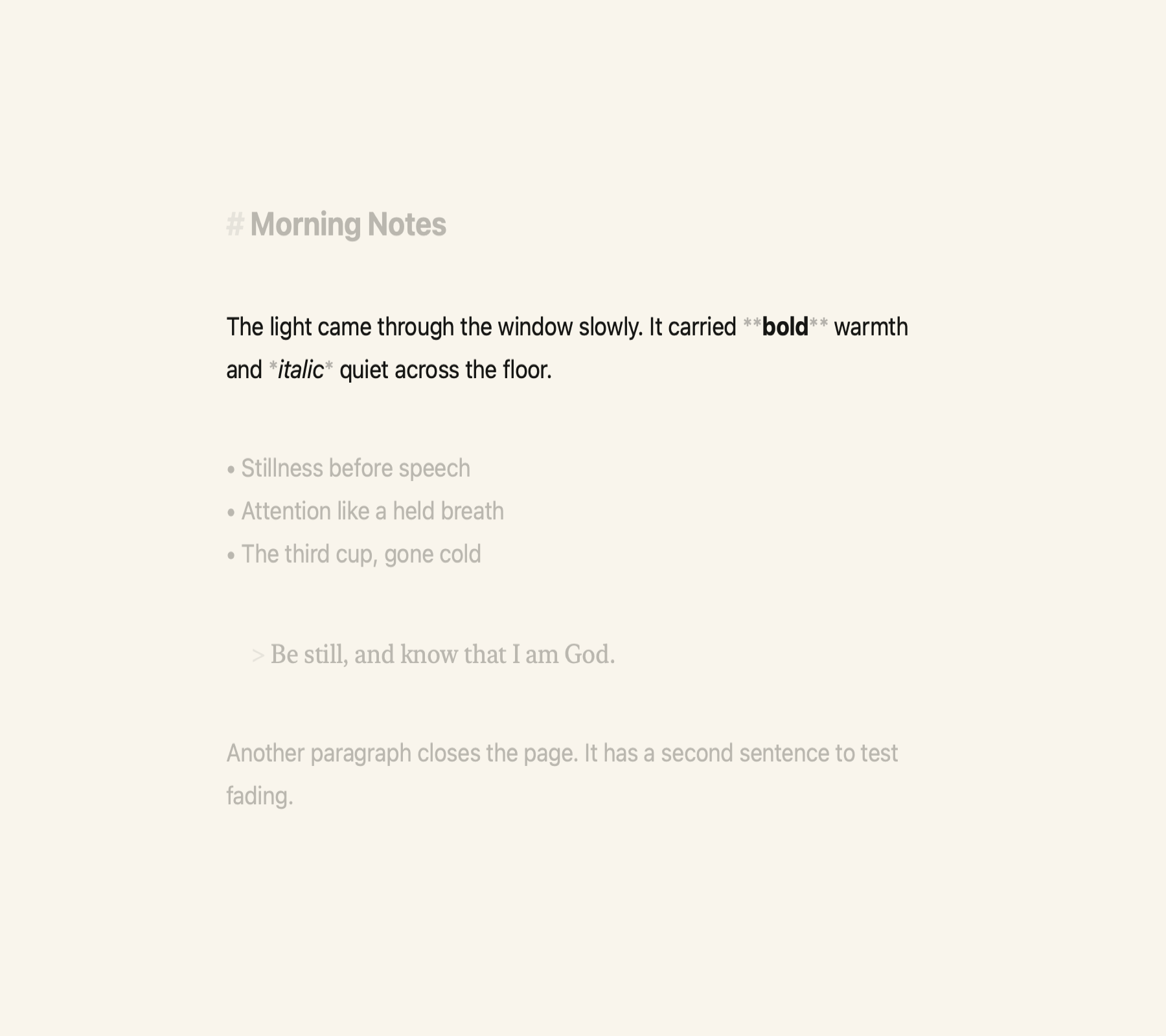
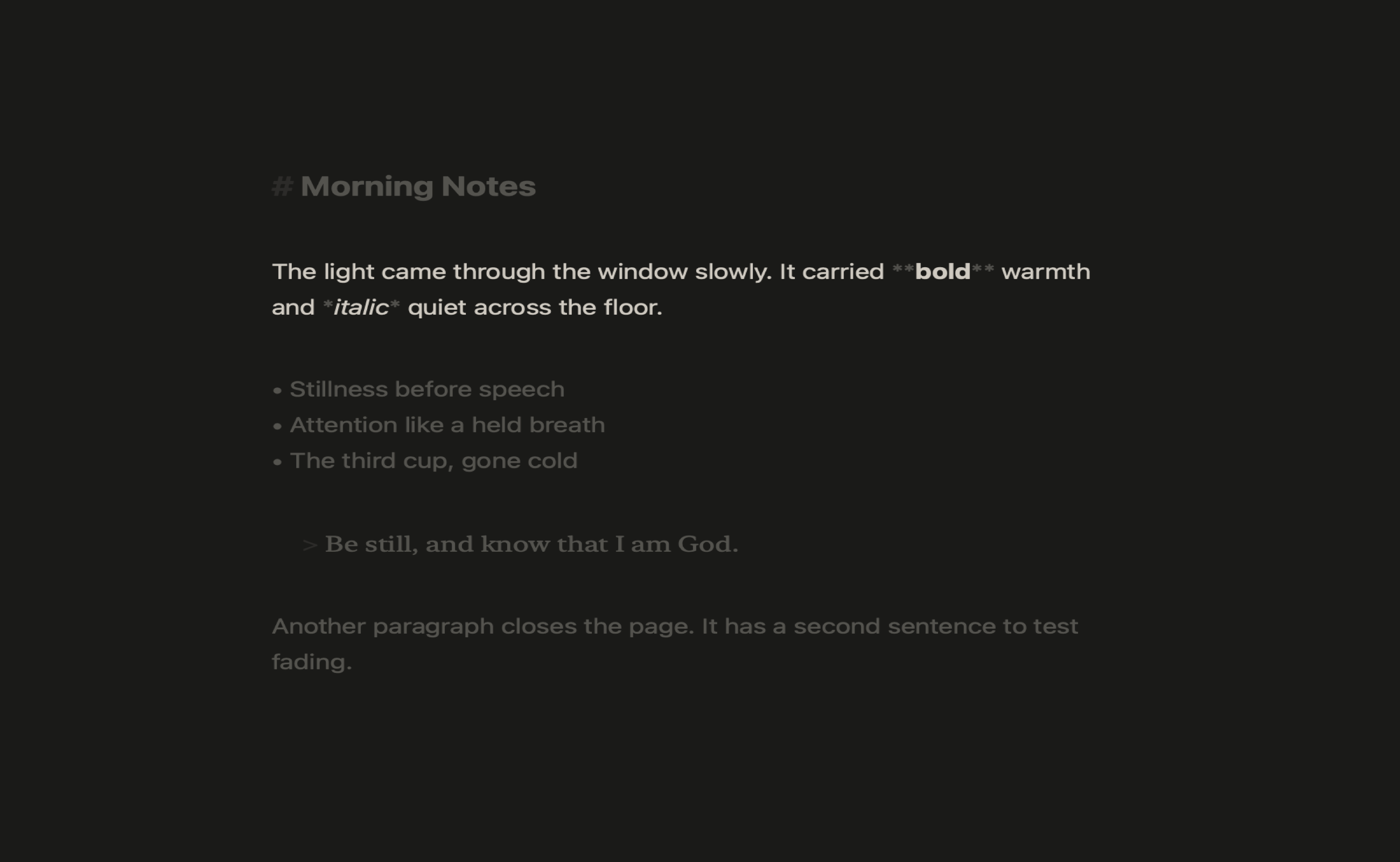
One sheet, no chrome
- A single autosaved writing surface on textured paper - no folders, no sidebars, no toolbar. Open, write, close.
- TextKit 2 typography with a focus fade that dims everything but the sentence or paragraph you're in.
- Minimal Markdown styling that stays display-only - what you typed is exactly what's stored.
A real Bible reader
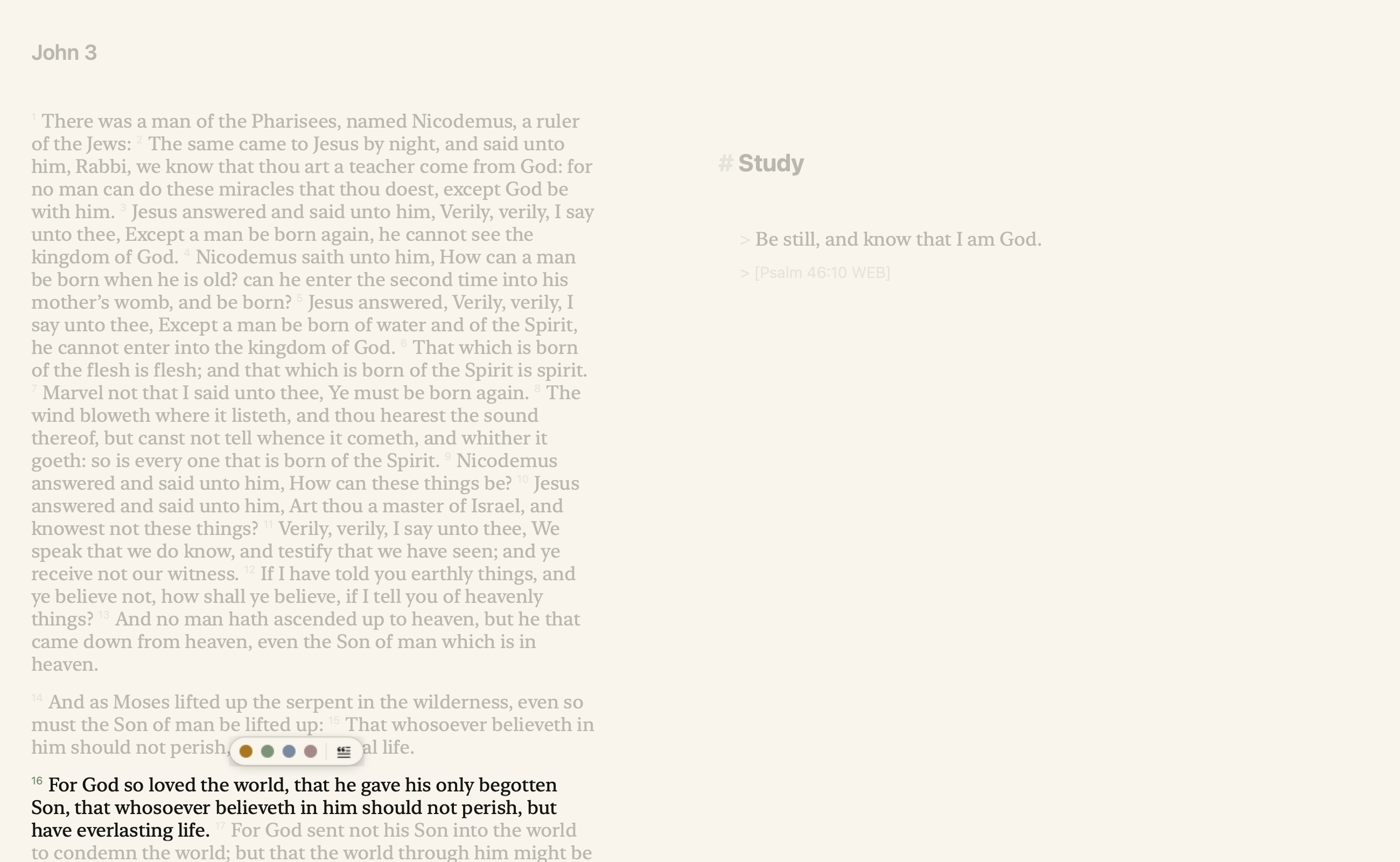
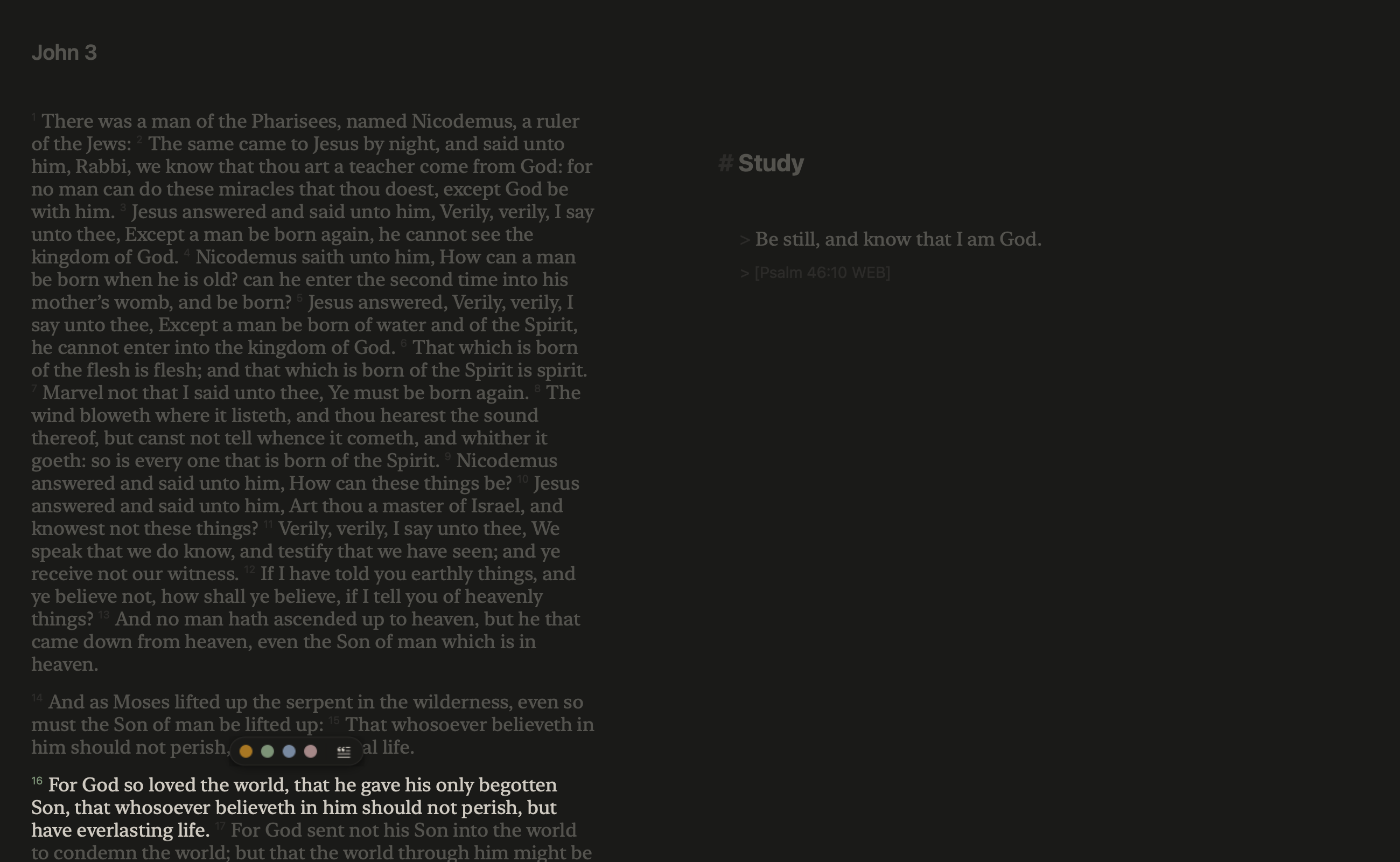
- KJV text with verse navigation and a selection pill on every verse.
- Quote any verse straight into your sheet; Tab expands a typed reference.
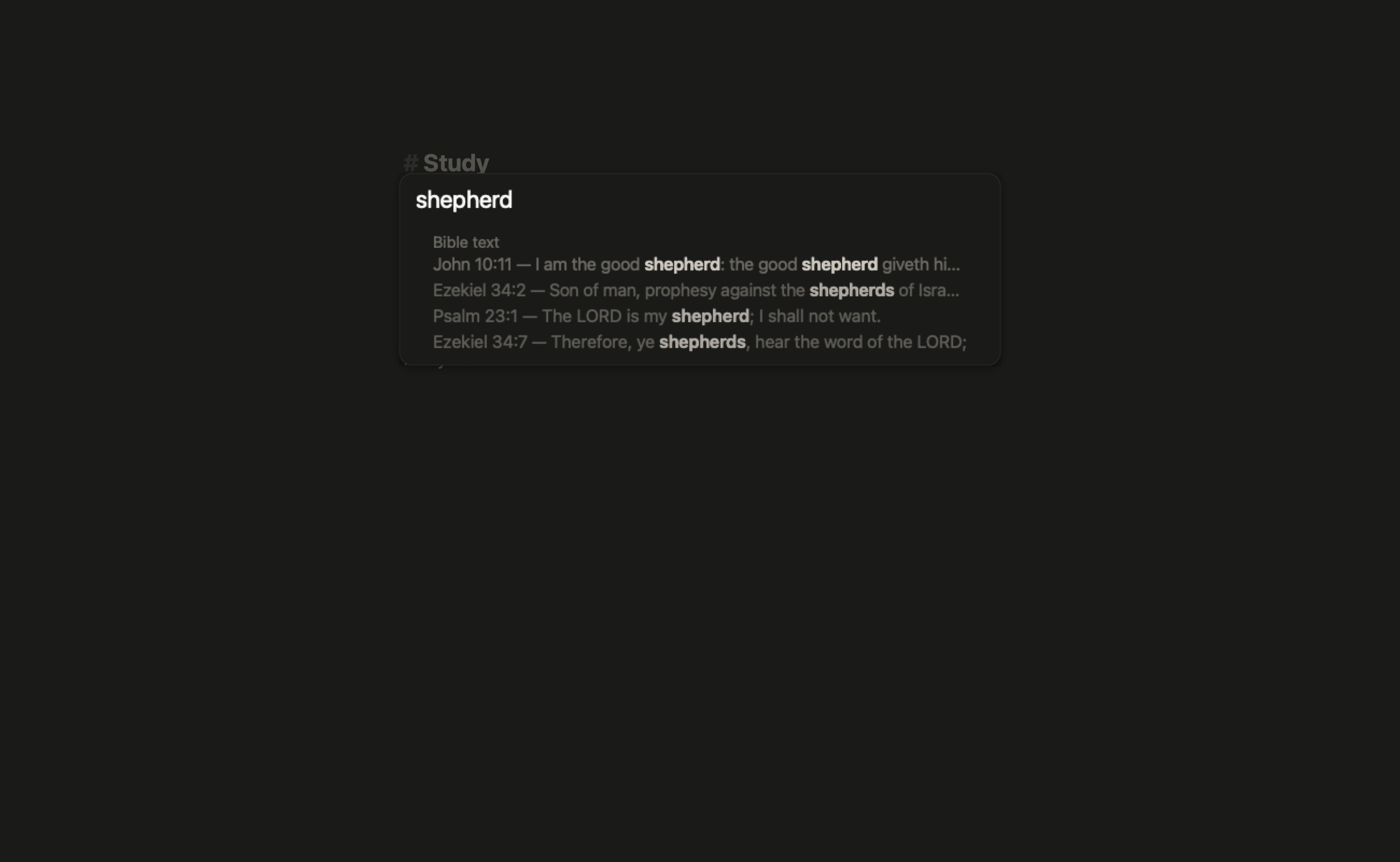
- Highlights with named sets, and a Command-K palette over passages, full-text search, and your notes.
A study loop
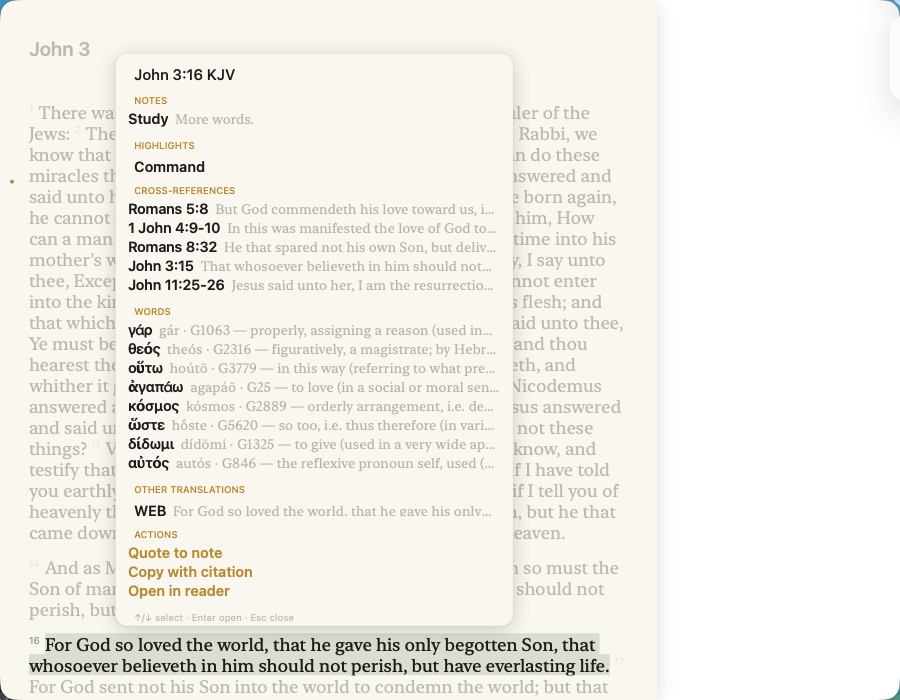
- Study panel (S) on any verse - your notes and highlights, top cross-references, Strong's word rows, and other-translation lines in one place.
- Word-study popover with lexicon detail and a concordance: every verse where a Strong's number appears, one click to open it.
- Palette grammar: "god so loved" in:John, strong:G25, -NOT terms, AND/OR.
Optional sync
- Point it at the hosted sync endpoint (or self-host the one-file Python service) with one token; notes and highlights last-writer-win across devices.
Requirements: macOS 14 Sonoma or later. Apple silicon and Intel. ~25 MB
Not notarized yet - first launch: right-click, then Open (the standard Gatekeeper step for indie apps). Licensed translations (ESV, Amplified) are not bundled in this build.
Download
Install instructions
1. Open the .dmg, drag Selah to Applications.
2. First launch: right-click the app, choose Open (it is not notarized yet; macOS 15: System Settings > Privacy & Security > "Open Anyway" if it still refuses).
3. Optional sync: Settings (Cmd-,) > Sync - paste the hosted endpoint URL and a token to share notes/highlights between Macs.
Requires macOS 14 Sonoma or later. Runs on Apple silicon and Intel. Licensed translations (ESV, Amplified) are not included in this build.
Leave a comment
Log in with itch.io to leave a comment.